Join the 12-Week Live Online Revit & BIM Course — Dubai Batch Starts 9 November 2026


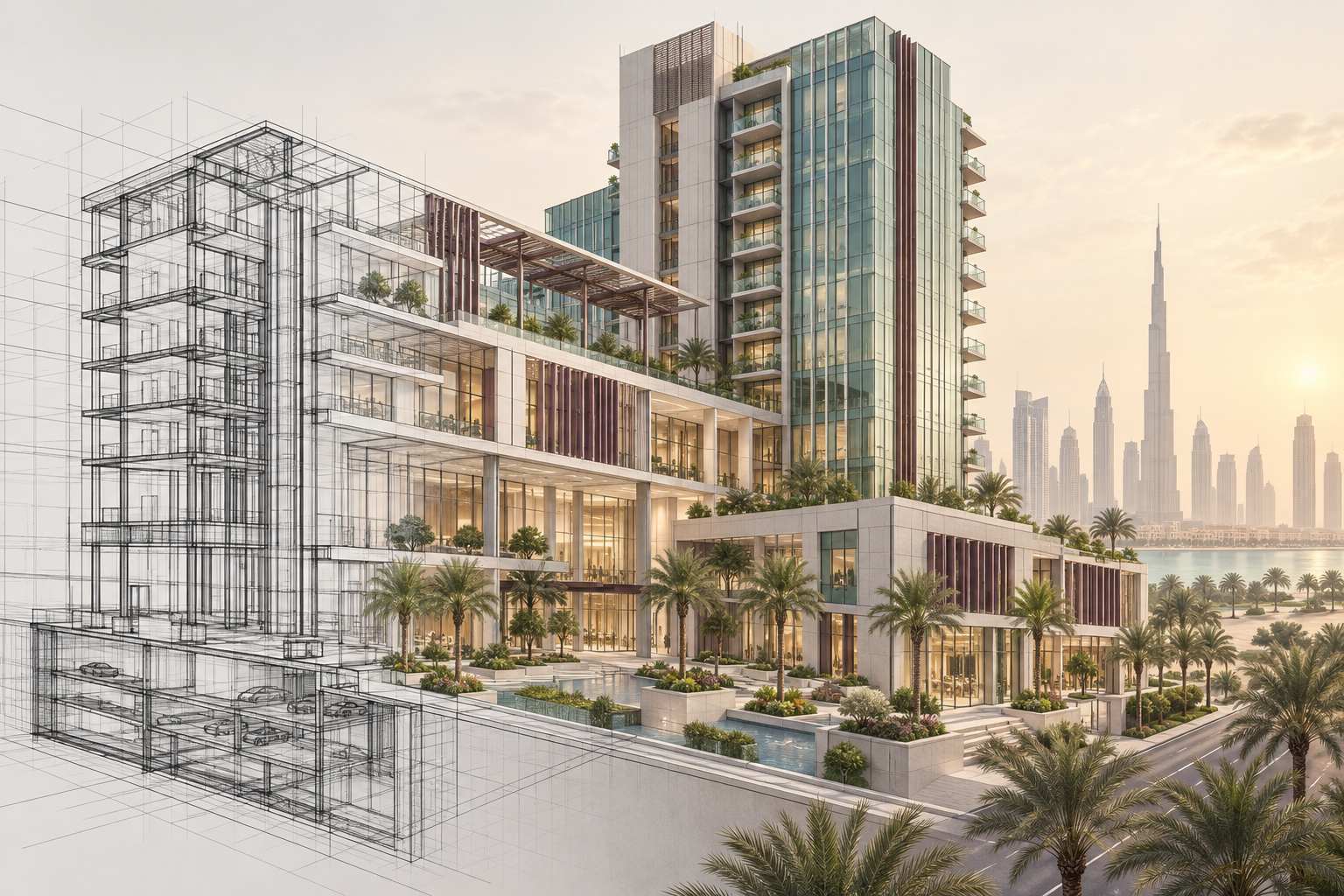
A Complete Online Revit & BIM Certification Course in Dubai, UAE
Only 03 seats left at this price.

Build job-ready Revit skills
Build a High-Growth Career in Architectural Design
Master Advanced Architectural Design Skills
Architect-Focused Learning Journey
Why Learn Revit & BIM in Dubai, UAE?
- BIM Is Mandatory on Dubai Projects: Dubai Municipality requires BIM submissions on buildings above Ground plus 12 floors, large developments over 15,000 sqm, hospitals, universities and all government projects, with the model attached to the building permit application.
- Towers, Mixed-Use and Mega Projects: Dubai builds tall and big. Revit skills for towers, mixed-use developments and large residential projects are what consultancies here hire for, because that is where the work actually is.
- Models Need Data, Not Just Geometry: Dubai Municipality checks models in IFC format with real data behind them. You learn to build models that carry information correctly, so they pass automated model checks rather than just looking right on screen.
- Record Deals Mean Demand for Coordinators: Dubai recorded 226,000 real estate transactions worth AED 761 billion in 2024. Every tower and development in that pipeline needs coordinated architectural, structural and MEP models.
Course Highlights

One-on-One Sessions
Cohort Group Discussions
20+ Real-Life Case Studies
UAE-focused Revit Training
Who is this Course for?

Architecture Students:
Build practical Revit skills alongside your degree and prepare for the BIM-based workflows used by consultancies in Dubai.

Professionals Changing Careers:
Gain practical Revit and BIM experience to support a move into Revit Technician, BIM or architectural roles in the UAE.

Architecture Graduates:
Strengthen your software skills and graduate with the Revit proficiency UAE architecture and BIM roles actually ask for.

Architecture Professionals:
Upgrade your Revit knowledge for modelling, documentation, coordination and day-to-day delivery on Dubai projects.

BIM Beginners:
Learn Revit from the fundamentals and understand how it fits into collaborative BIM workflows, with no prior Revit experience.

AutoCAD Users
Move from 2D CAD to Revit and develop the BIM skills needed for modern projects in Dubai and across the UAE.
Course Curriculum
Week 1 - Revit Architecture Foundations for Dubai Projects


Week 1 of this Revit and BIM course in Dubai starts the way UAE consultancies work: understand how BIM improves on CAD, set up a clean project template, and build your first walls with the parameters teams use on Dubai projects.
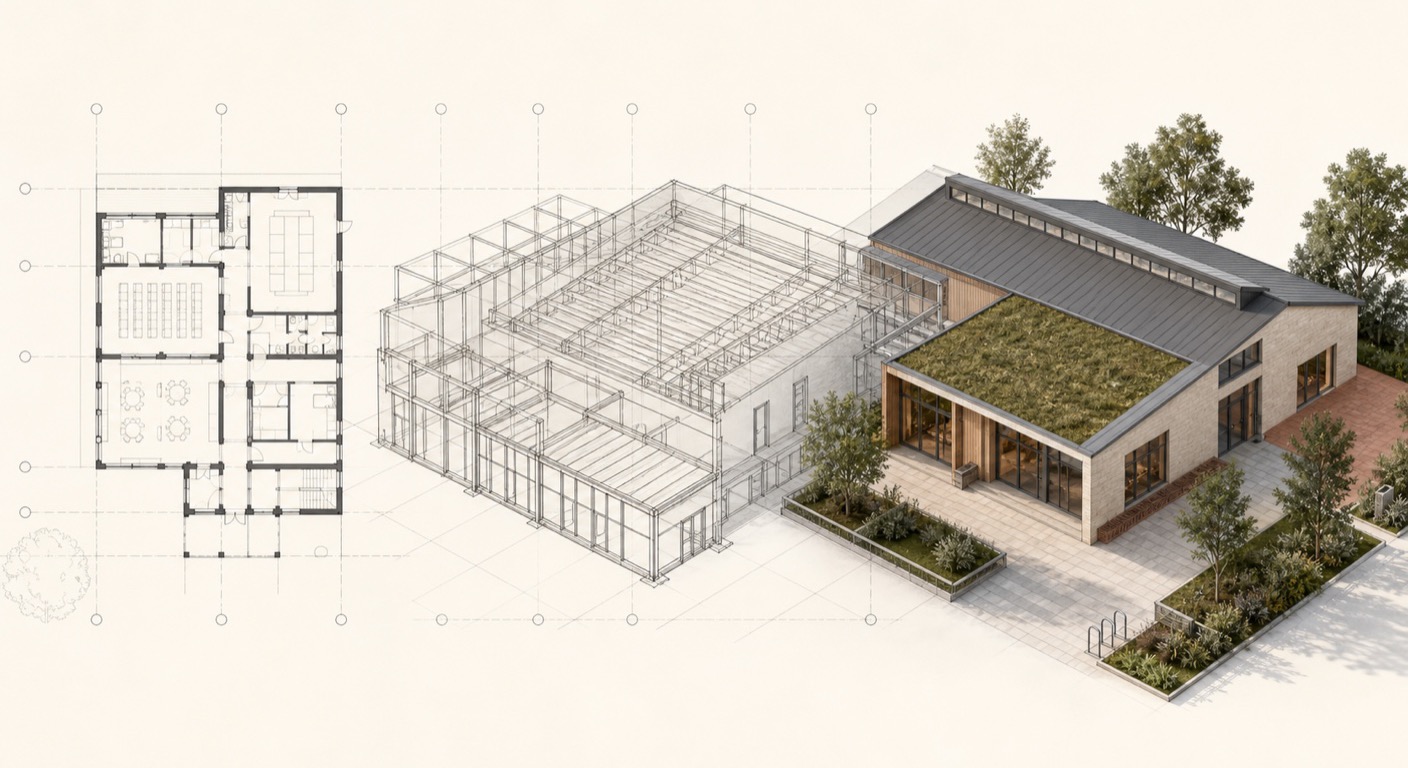
- Why Dubai consultancies moved from CAD to BIM: Revit's single model approach and coordinated drawings
- Revit interface, views and Project Browser: navigating a model like a Dubai project team
- Project templates, file formats and properties used in UAE architectural offices
- Starting a Revit project the right way: levels, grids, units and drawing standards used on Dubai projects
- Basic wall modelling: wall types, directions, constraints and controlling parameters
Week 2 - Revit Modelling Essentials: Editing, Views & Detail Levels
Week 2 sharpens everyday modelling control: select, edit and constrain elements cleanly, manage model warnings early, and present work at the detail levels Dubai drawing sets require.
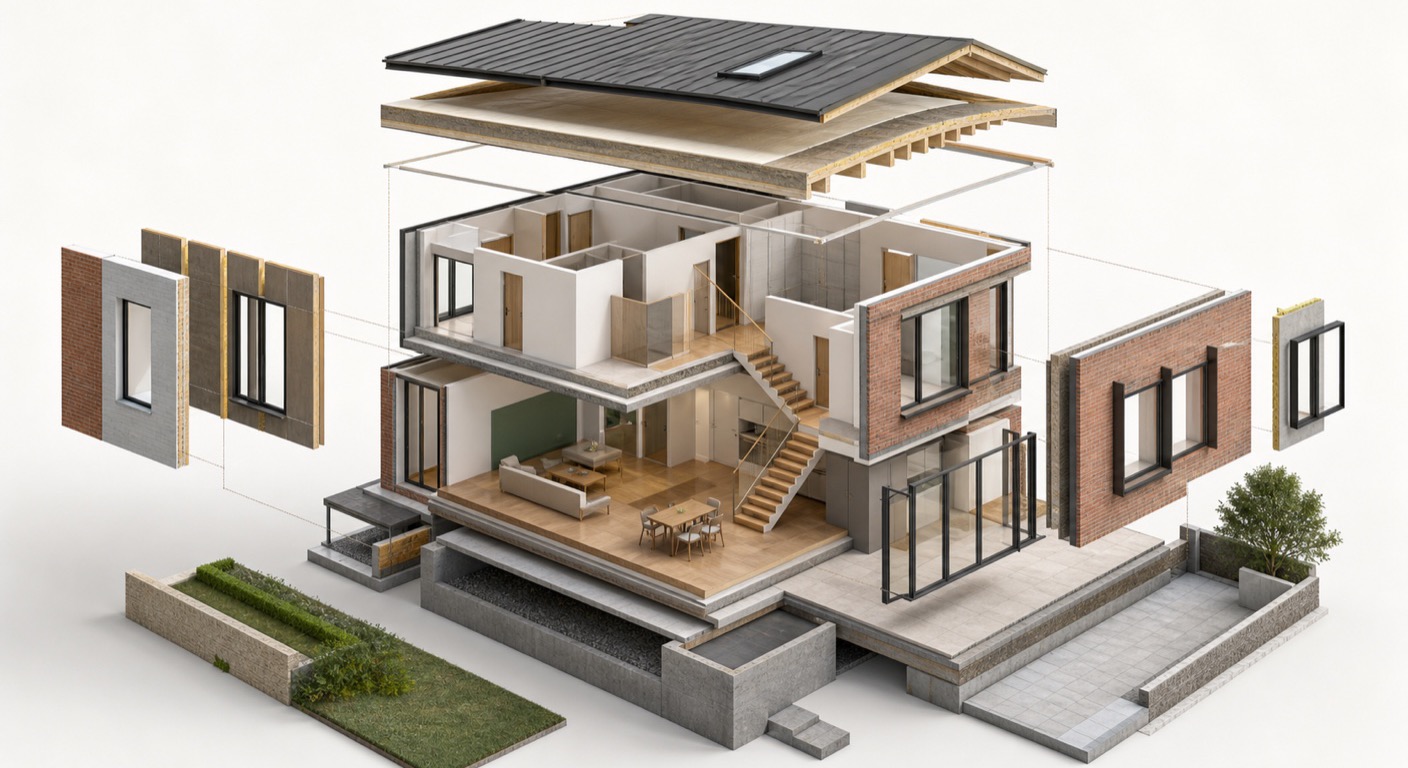
- Selecting, editing and modifying walls with accurate snapping and constraints
- Type vs instance parameters and element IDs: how properties drive model behaviour
- Review warnings explained: finding and fixing model errors before they grow
- Visual styles and detail levels for clear presentations and permit drawings
- Crop views and sections that read cleanly in coordinated drawing sets
Week 3 - Architectural Walls & Façade Systems in Revit
Week 3 is about walls done properly: the systems behind façades on Dubai towers and commercial projects, from layered wall build ups to curtain walling.
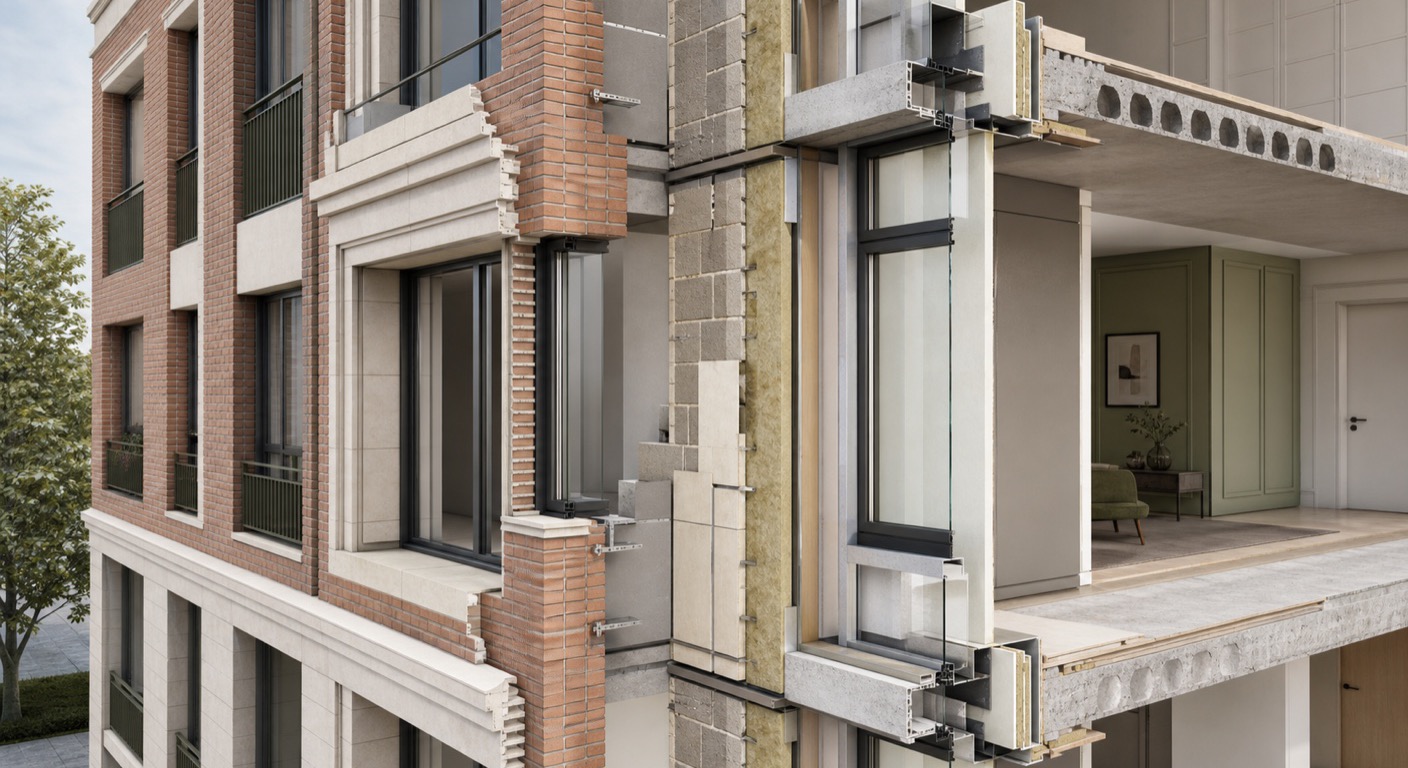
- Wall types, line locations and type settings for precise architectural control
- Editing wall profiles for custom shapes and design specific wall conditions
- Sweeps and reveals for architectural detailing within wall systems
- Wall joins and intersections with clean, buildable construction logic
- Curtain walls, mullions and panel systems for tower and podium façade design
Week 4 - Floors, Ceilings, Roofs & Components
Week 4 builds the horizontal elements and the components that furnish them, core modelling that UAE practices expect on residential, commercial and hospitality projects.
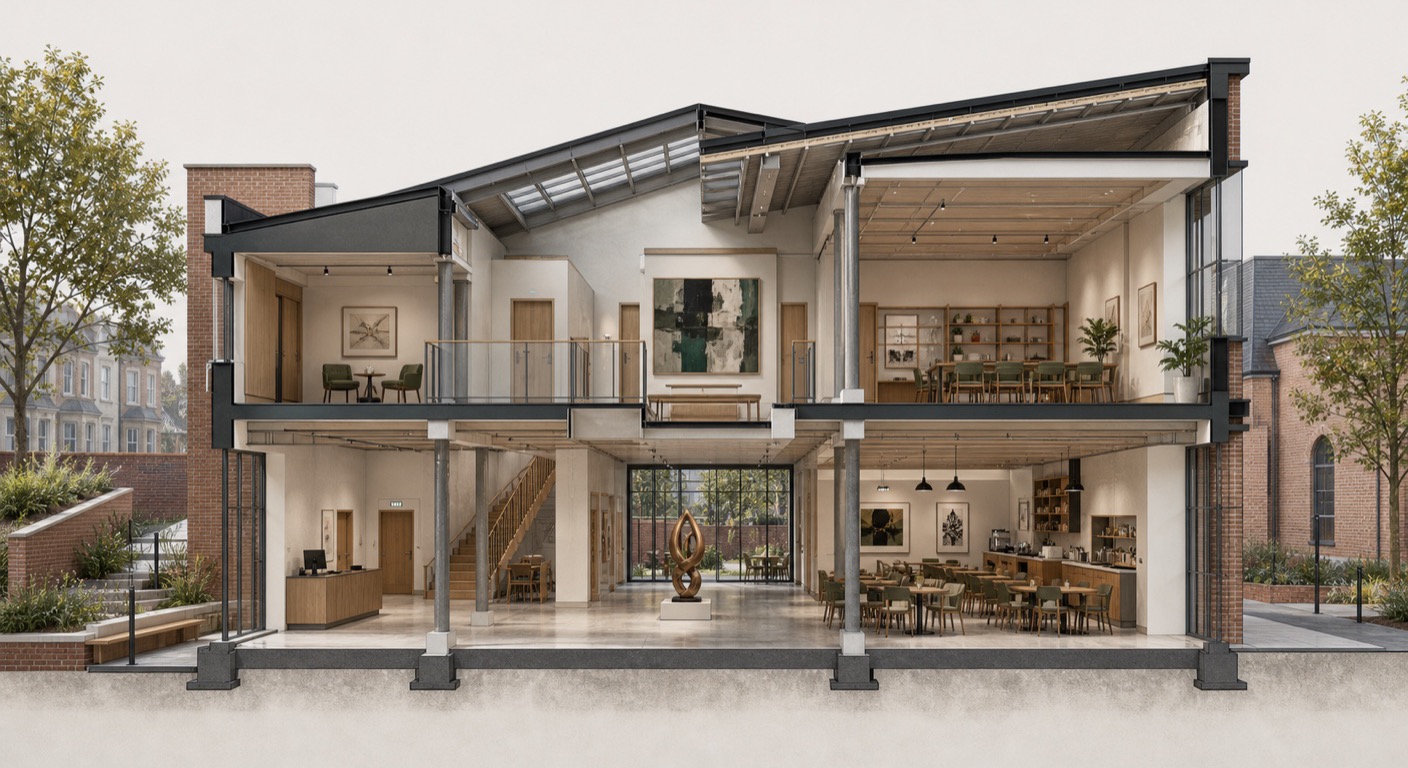
- Architectural floors, ceilings and footprint roofs with correct types and constraints
- Columns, furniture and component families for spatial and functional planning
- Loading and evaluating families from libraries and the Autodesk library for project work
- Visibility and graphics overrides, temporary hide and isolate for model control
- View range, extents and underlay settings that control how drawings read
Week 5 - Stairs, Ramps, Railings & Structural Basics
Week 5 covers movement and support: stairs and ramps that work in Dubai buildings, grids that align architecture with structure, and the primary frame underneath.
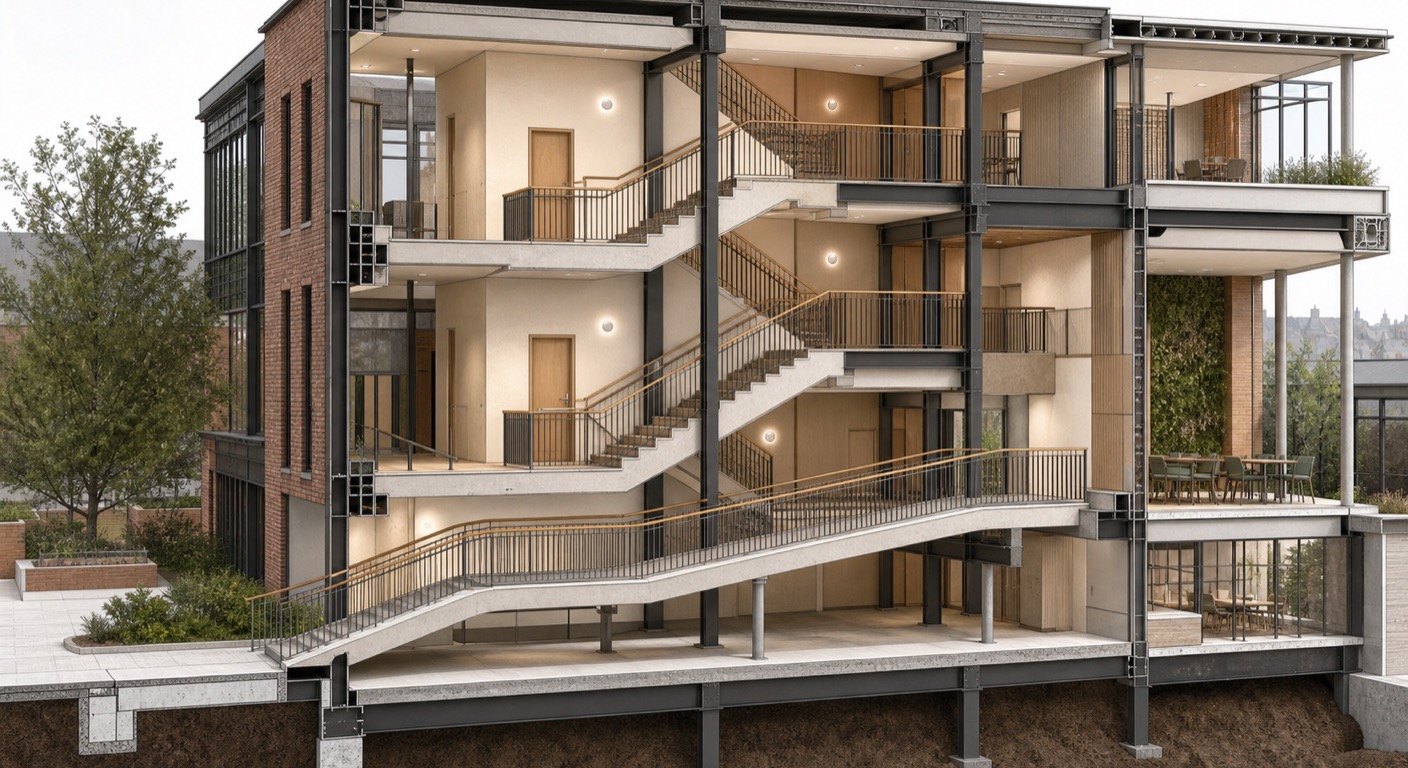
- Openings, ramps, railings and staircases for functional building circulation
- System stairs and railings with parametric controls for tower floor plates
- Grids and reference systems aligning architectural and structural elements
- Structural columns and beams: modelling the primary load bearing frame
- Foundations and footings matched to structural requirements and layout
Week 6 - Rooms, Groups, Views & Drawing Consistency
Week 6 organises the model for documentation: rooms and groups that repeat efficiently across tower floor plates, and view templates that keep every Dubai drawing set consistent.
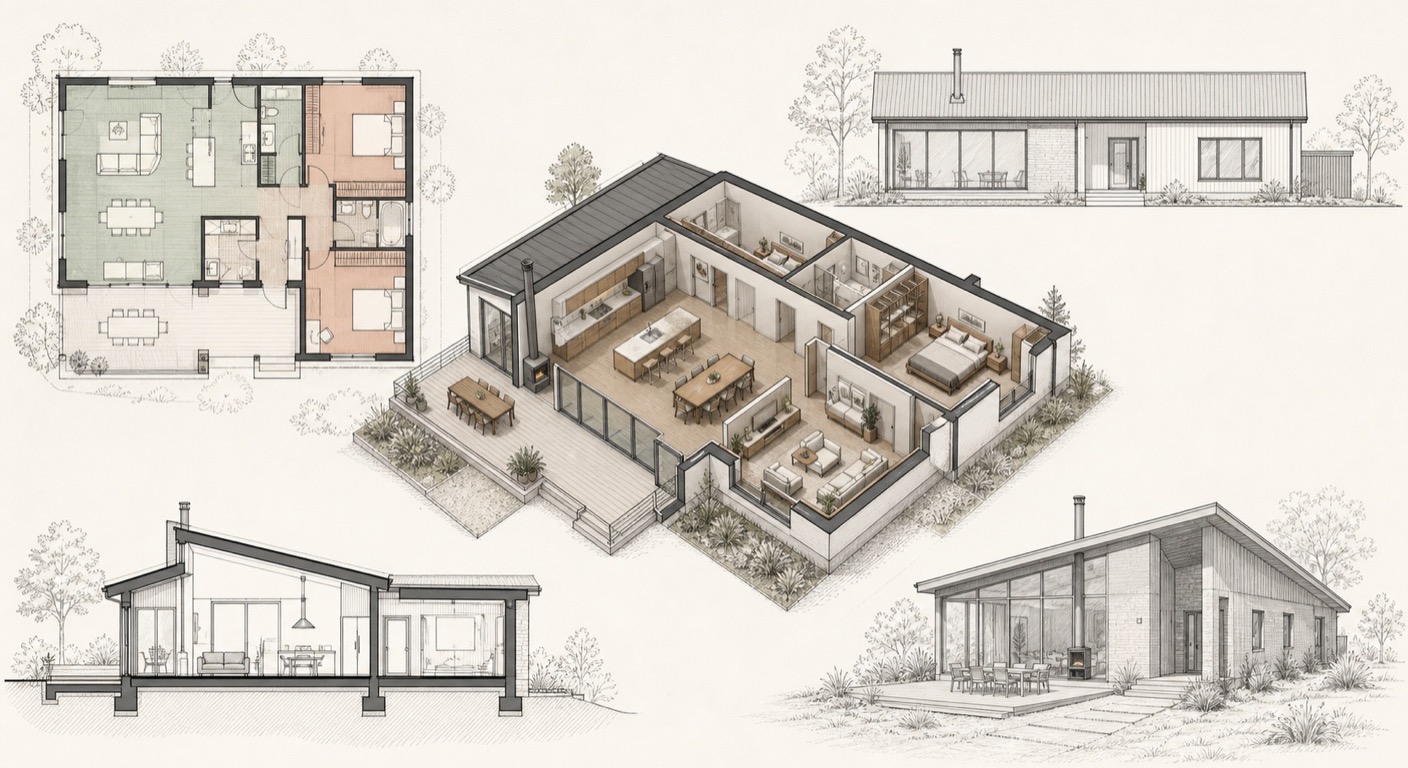
- Rooms, groups and repeated elements managed efficiently across the model
- Cameras, 3D views, section boxes and displacement for clear client presentations
- Plan views, elevations and sections for coordinated documentation
- View templates and temporary view properties for drawing consistency
Week 7 - Schedules, Linking & Model Coordination
Week 7 is where Revit becomes a team tool: data and quantities pulled from the model, linked files coordinated across disciplines, and exports ready for Dubai project submissions.
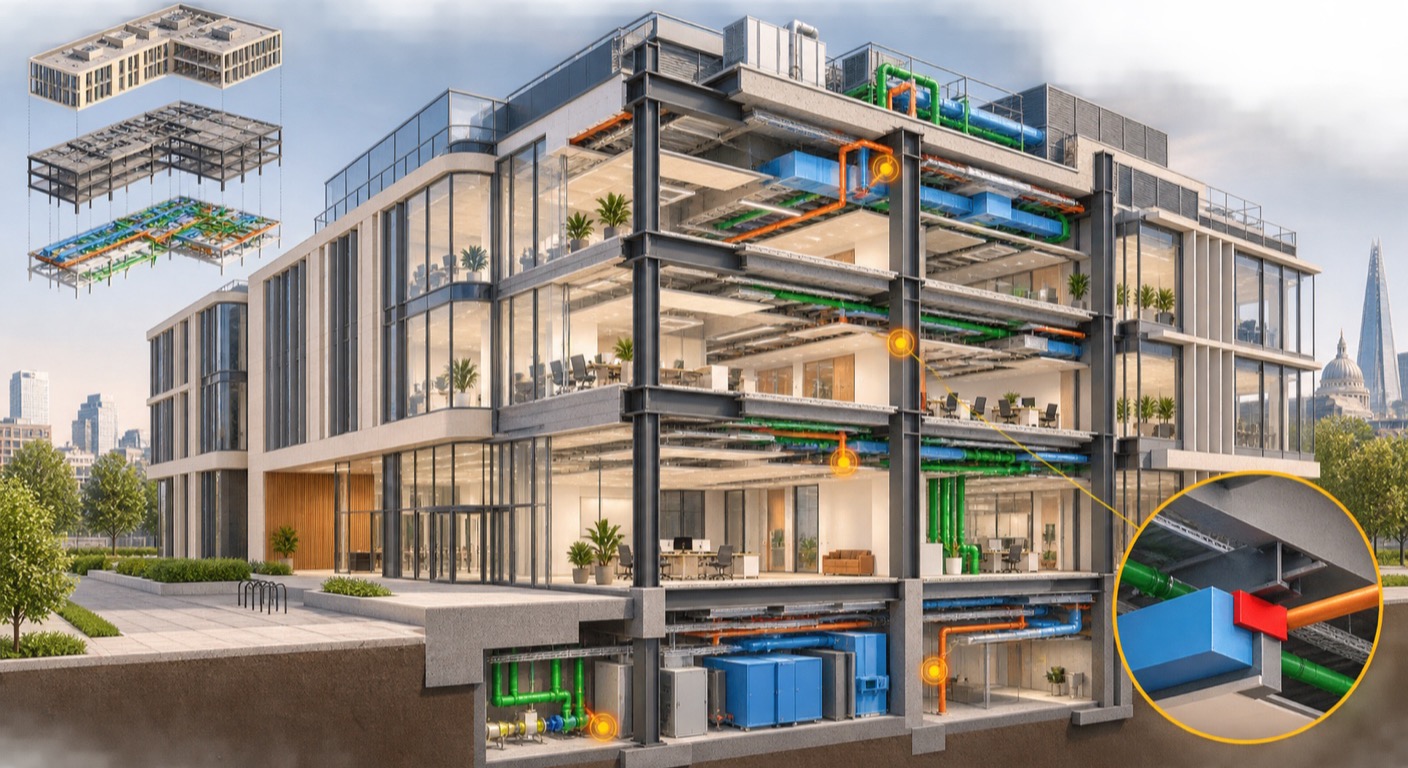
- Filters and phasing to control model visibility across project stages
- Schedules and material takeoffs extracting data and quantities from the model
- Importing and linking CAD and other formats for multidisciplinary workflows
- Managing linked models for coordination and model performance
- Exporting views and drawings in the formats Dubai submissions require
Week 8 - Massing, Site Modelling & Visualisation
Week 8 moves outside the building: site terrain, landscape elements and conceptual massing for early stage Dubai feasibility, planning and massing studies.
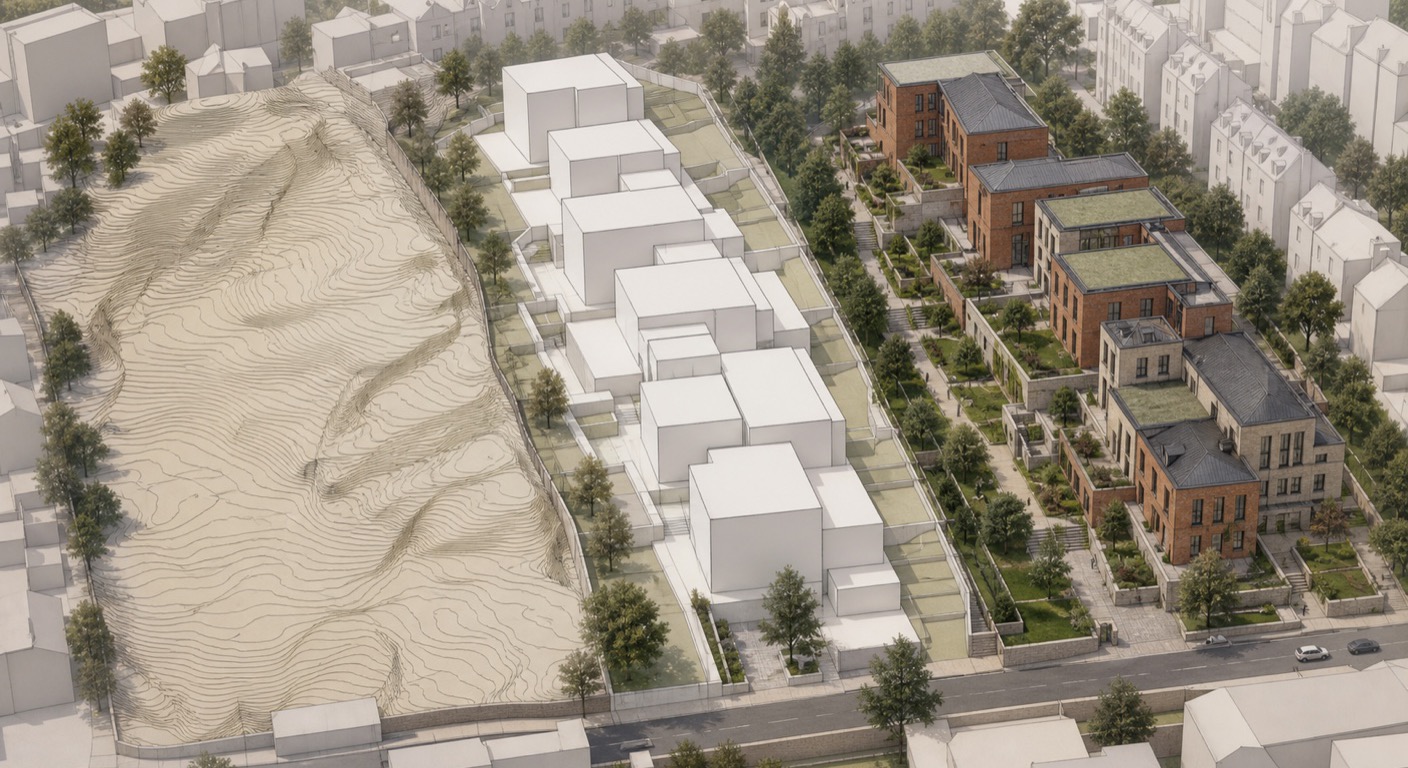
- Toposurfaces and toposolids with pads, subregions and imported terrain data
- Site components: surface finishes, levels, roads, planting and landscape elements
- In-place and conceptual massing with extrusions, sweeps and blends for tower massing studies
- Modifying mass forms, elements by face and roofs by extrusion for complex geometry
Week 9 - Advanced Modelling, Systems & Documentation
Week 9 goes deeper: construction level details, building services basics and solar studies for the Gulf climate, and the annotation standards that make Dubai drawing sets look professional.
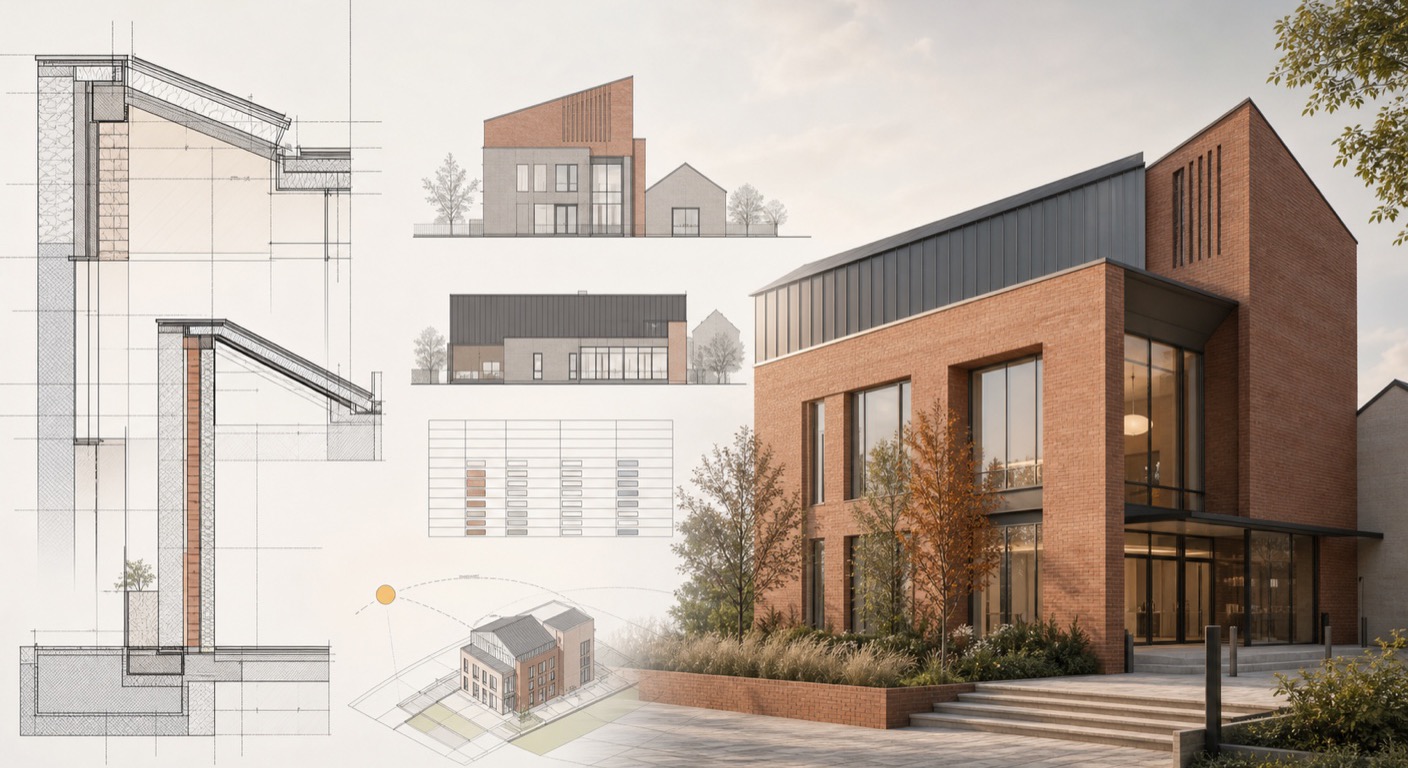
- Detailed wall sections, skirtings and construction level architectural details
- Basic MEP systems, analytical modelling and performance based design tools
- Sun path, solar studies and shading analysis for the Dubai climate, plus design options
- Adaptive components and curtain systems built with parametric logic
- Dimensions, text, linework, callouts, keynotes, legends and symbols
Week 10 - Content Creation & Autodesk Certification Exam Prep

- Create titleblock families and manage texts and labels for professional documentation.
- Work with 2D family templates and create profile-based families for detailed representations.
- Understand 3D family templates, categories, and parameter setup for accurate behavior.
- Create basic 3D families including doors, lighting, and other commonly used components.
- Develop smart, line-based, and behavior-driven families for flexible design use.
- Review the Autodesk Certified Professional in Revit for Architectural Design exam objectives across modelling, documentation, collaboration and coordination, project standards and setup, and information analysis.
- Complete timed, objective-aligned practice questions and scenario reviews covering advanced model editing, views, annotations, schedules, families, worksharing, and project maintenance.
- Use an exam-readiness checklist to identify weak areas, correct common workflow mistakes, and plan final revision.
- Attempt a selected-response mock assessment and review question strategy, time management, and final answer checks.
Week 11 - Collaboration and Coordination II — ISO 19650 Workflows
Bring your Revit model into a shared project workflow, from information planning to coordinated delivery.
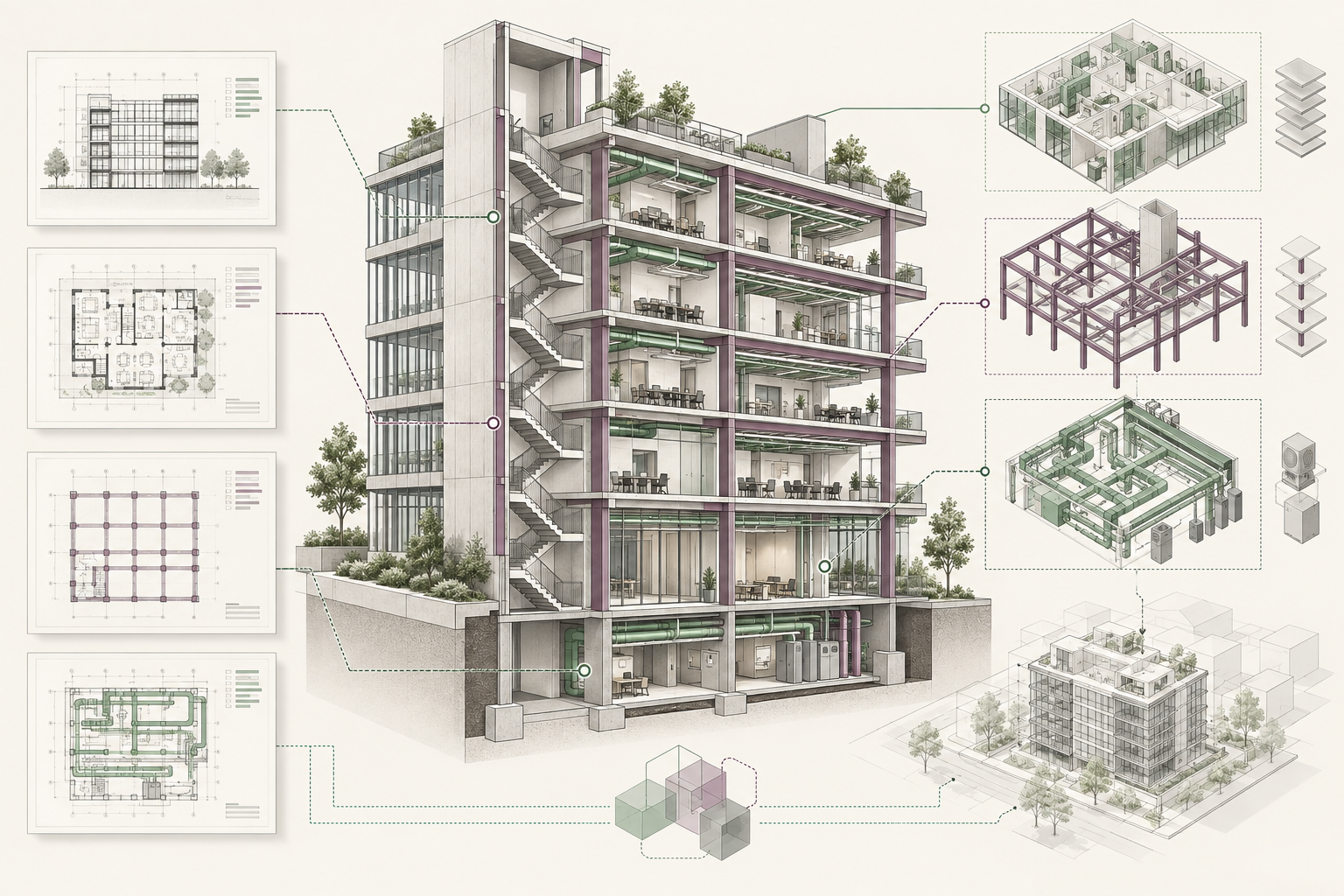
- Review Revit families and model quality, then organise project information, browser views and collaboration packages.
- Develop a BIM Execution Plan and connect information requirements, responsibilities and delivery milestones.
- Apply ISO 19650 principles to UAE project scenarios, following the client’s agreed information requirements and project conventions.
- Practise a Common Data Environment workflow: work in progress, shared, published and archived information, with review and approval checks.
- Use agreed file naming, revision and suitability metadata to control model and drawing exchanges.
- Set up central and local Revit files, manage worksets and practise LAN and cloud worksharing.
- Explore BIM 360 and Autodesk Construction Cloud for model coordination and controlled information sharing.
Week 12 - BIM Beyond Revit — Coordination, Sequencing and Automation
Connect your model to wider BIM tools and review how coordinated information supports project delivery.
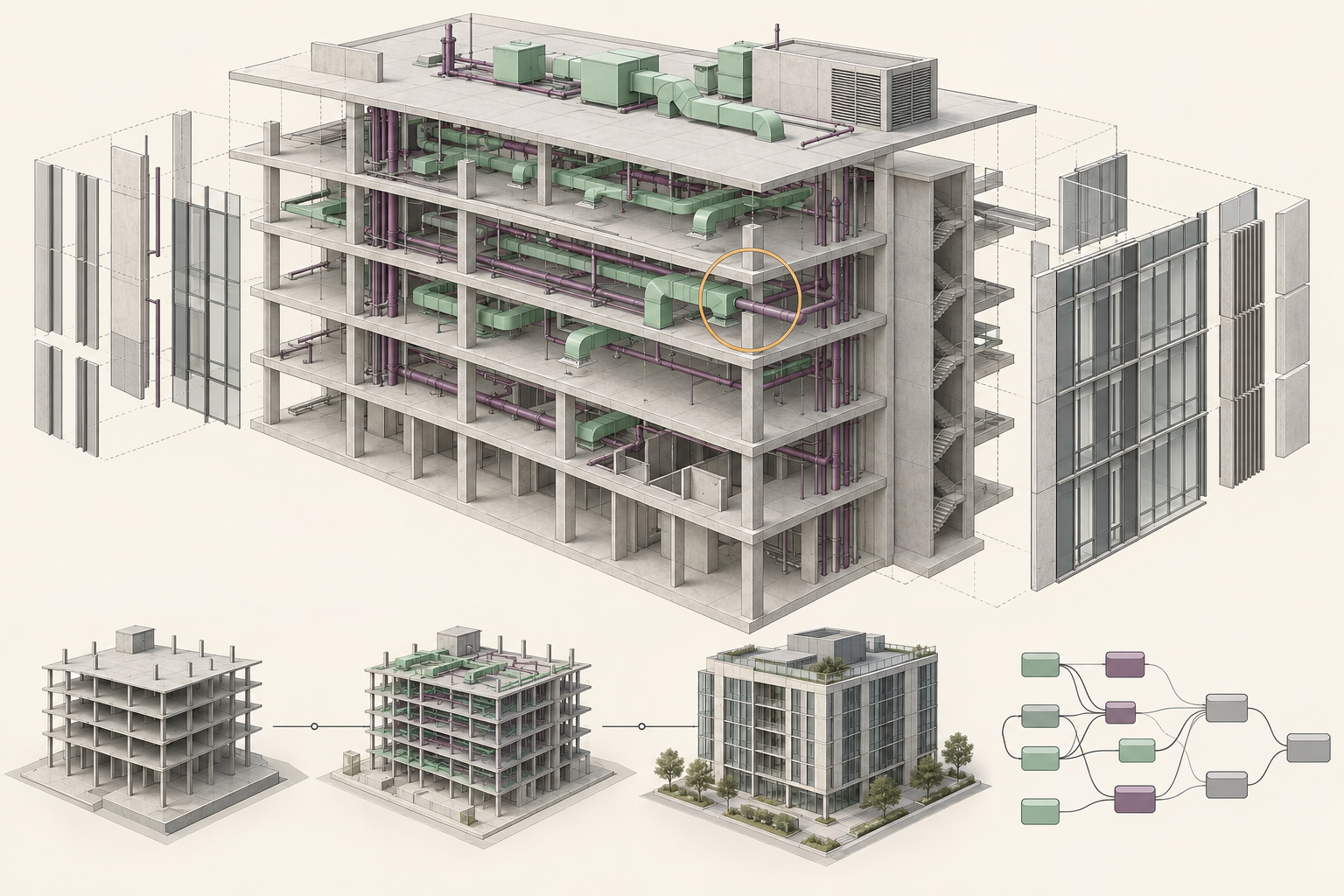
- Review the final model and documentation, checking model quality, drawing consistency and coordinated project information.
- Explore other Autodesk BIM tools and how they connect with Revit-based project workflows.
- Use Navisworks to combine discipline models, run clash-detection exercises and review coordination issues.
- Introduce 4D modelling and construction sequencing by connecting model elements with a project programme.
- Explore visual programming, add-ins and plug-ins for repetitive modelling and documentation tasks.
- Review automation and AI tools in BIM, including checks for accuracy and appropriate professional use.
- Consolidate your learning through a project review and revisit your Autodesk certification preparation checklist.


Live, taught, and built around your job
You are never watching a recording alone, and never waiting a week for an answer.
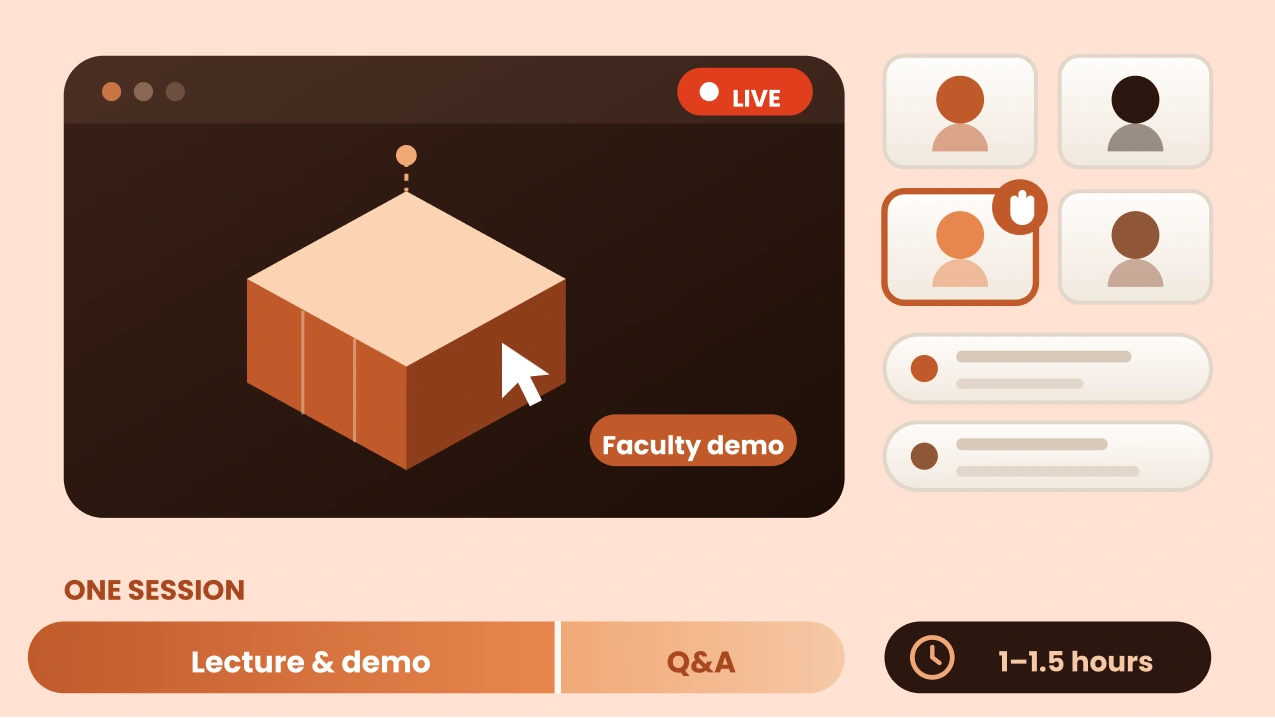
Lecture, demo, then your questions
Faculty teach the concept and demonstrate it on screen, then the floor opens for questions. Every session is live and instructor-led. Not a recording you watch alone, and not a webinar you can’t interrupt.
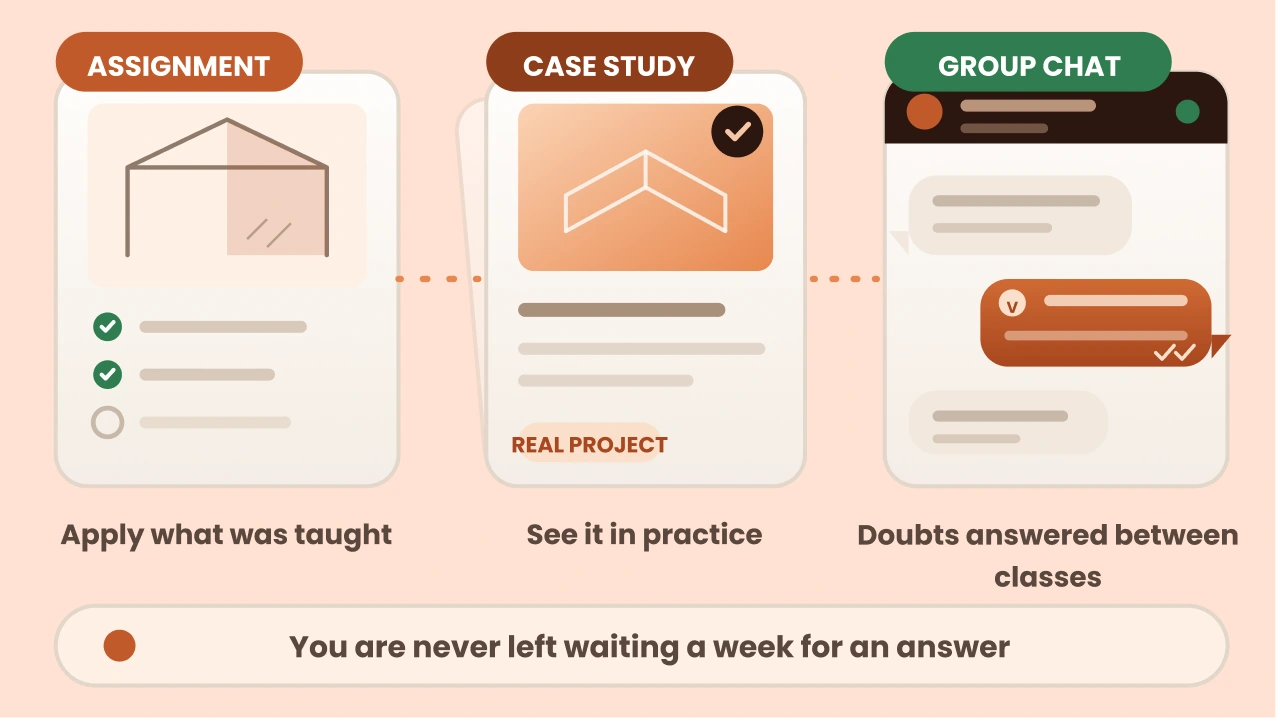
Assignments, case studies, and somewhere to ask
Between classes you apply what was taught through assignments and work through real case studies. When you get stuck at 11pm on a Tuesday, the cohort WhatsApp group is where the doubt gets answered — by faculty, and by the people sitting the same course.
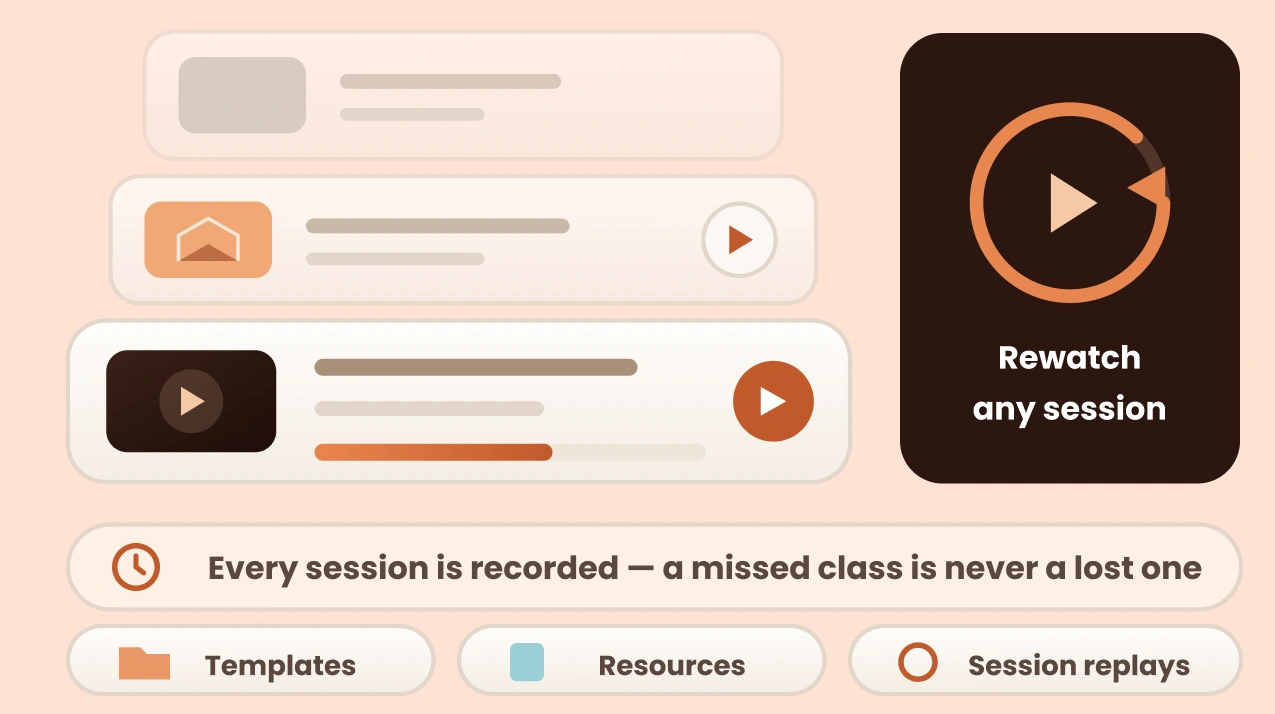
Every session is recorded
Life happens. Miss a class and the recording is waiting for you, along with the templates and resources from that session. Rewatch any session, as many times as you need.
Learn Through Real-World Revit Projects
Work through realistic architectural scenarios from Dubai: residential towers, commercial buildings and mixed-use developments. Build Revit models, develop coordinated drawings and documentation, and practise the collaboration workflows consultancies use to deliver projects to Dubai Municipality requirements.

Tools we teach







How are we different?
Why Settle for Just Another Revit & BIM Course in Dubai?
Do not settle for a basic software course. Enrol in our Revit & BIM certification programme, built around Dubai workflows and municipality requirements, and learn how projects are coordinated and delivered, so you are prepared for consultancy jobs or BIM roles across the UAE.
Interactive Lectures
Some
Yes
Hands-on Workshops
Some
Yes
Real-life Case Studies
Yes
Some
Group Discussions and Feedback Sessions
No
Yes
Dubai Municipality BIM Submission Practice
No
No
ISO 19650 & BIM Execution Plan Workflows
Some
No
Navisworks Clash Detection Practice
Some
No
Autodesk Certification Exam Preparation
No
No
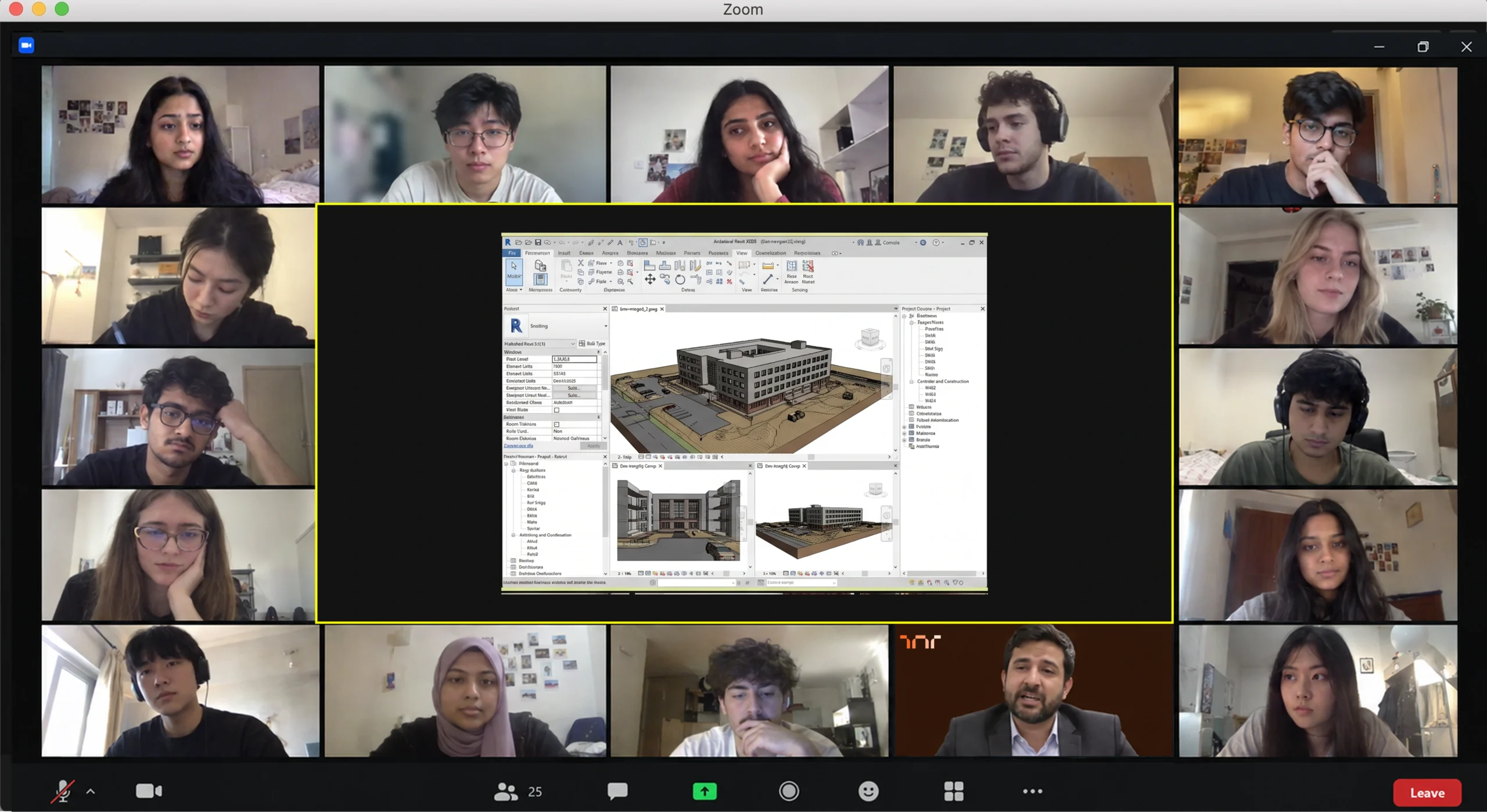
You're in the room, not watching a replay
Real sessions, taught in real time by architects who still practise. Screens shared, questions answered, work reviewed as it happens.
MEET THE HUMANS BEHIND ASDAV
We eat, learn, teach & repeat

Ar. Vijay P.
Architect | BIM Specialist
With 13+ years of experience across industry and academia, Vijay has led large-scale BIM projects like Nine Elms London, FIFA stadiums, and royal residences in Qatar. A CEPT alum and PhD scholar at IIT Roorkee, At ASDAV, he trains students to bridge the gap between practice and education through BIM.
Off duty, he’s a scale model collector and passionate photographer.

Ar. Aditya K.
Architect | Landscape Consultant
Aditya is a SPA Alum - landscape architect passionate about heritage, cultural spaces, and site-driven design. His work explores the sweet spot where history, ecology, and modern thinking meet.
At ASDAV, he helps students sharpen their ideas and design with clarity—encouraging them to question more, explain less.
Outside the classroom, you’ll find him jamming to music, and fuelling great conversations over chai.

Ar. Anuj K.
Architect | Interior Designer
Anuj is an architect with 5+ years of experience in residential, commercial interior design. As the Proprietor and Principal Designer of Base MUSC, he focuses on creating functional, well-planned spaces that balance aesthetics with everyday practicality.
At Base MUSC, he brings a thoughtful, detail-driven approach, ensuring each design meaningfully supports how people live and work.
When he’s not managing projects, he’s usually folding origami, exploring new trails, or going for a run to reset and recharge.

Ar. Shubham K
Architect | Sustainable Materials Advocate
Shubham is an architect with 5+ years of experience in architecture, product design, and brand strategy. He specialises in sustainable materials like bamboo, blending design with usability and commercial impact. At ASDAV, he brings sharp focus to execution, material thinking, and real-world design clarity.
When not designing, he’s usually trekking high-altitude trails or playing fetch with his dog.

Ar. Jasmine A
Architect | Global Vastu Consultant
Jasmine is an architect and global Vastu consultant with 8+ years of experience across design and teaching, including international work in architecture and interiors. Her approach blends architectural thinking, human-centered interiors, and practical Vastu.
At ASDAV, she leads with clarity, encouraging learners to design purposefully, and build meaningful careers with confidence.
When not mentoring students, she’s either bonding with dogs or finally finishing her first cup of coffee for the day.

Ar. Hitesh K
Furniture Designer | Interior Educator
Hitesh is a furniture and interior design professional with expertise in material-driven design, detailing, and production thinking. An NID graduate, he blends design craft with real-world execution.At ASDAV, he leads sessions on furniture design, spatial planning, and design software—helping students bridge ideas with execution through clarity, craft, and process.
When not teaching or designing, he’s deep into furniture case studies—or quietly redesigning the everyday.

Ar. Anushruti S
Landscape Architect | Urban Design Educator
Anushruti is a landscape architect with experience across real estate, urban infrastructure, and environmental design projects in India and Europe. At ASDAV, she helps students make sense of landscape and urban systems—focusing on critical thinking, environmental sensitivity, and scale-based design clarity.
When not mapping or mentoring, she’s out exploring green corners of the city and how people interact with them.

Ar. Meher T
Architect | Design + Construction Specialist
Meher is an architect with over 10 years of experience focused on the intersection of design vision and buildability. Her strength lies in translating conceptual ideas into precise construction drawings.
At ASDAV, she brings a practical lens to design education, helping students understand how ideas become structures.
Outside the studio, she’s obsessed with Travel and her harmonium.

Ar. Rayan M
Interior Architect | Global Design Consultant
Rayan is an interior architect with 9+ years of international experience across residential, commercial, and hospitality projects in the UAE, Italy, and Southeast Asia.
At ASDAV, he guides students through design detailing, spatial logic, and project workflows.
When he’s not teaching, you’ll find him exploring city backstreets, or hunting down the best De-cafe in town.
What Will You Gain Through This Course - A Complete Online Revit & BIM Certification Course in Dubai, UAE

Professional Project Skills:
Learn the workflows consultancies use to develop, coordinate and document architectural projects on real Dubai developments.

Professional Revit Proficiency:
Go from Revit basics to project-ready modelling, views, sheets and documentation used in professional practice.

Construction-Ready Documentation:
Produce accurate drawings, schedules, sheets and project documentation that meet Dubai consultancy and submission standards.

Collaboration & Coordination Skills:
Work in shared models, coordinate design information across disciplines and collaborate with project teams.

Career-Ready Revit Skills:
Build the practical software proficiency that supports applications for Revit, BIM and architectural roles across the UAE.

UAE-Relevant BIM Workflows:
Understand collaborative working, model coordination and information management as applied on UAE construction projects.
Enroll Now for the Next Dubai Batch
Ready to build Revit and BIM skills for Dubai's construction market? Join a live 12-week programme built around Dubai Municipality requirements, tower and mixed-use projects, and the coordination workflows consultancies hire for.
- 40+ live online sessions with Dubai-focused project work
- 3+ capstone projects on Dubai tower and mixed-use briefs
- Dubai Municipality BIM submission practice included
- 5+ guided career sessions for the UAE job market
- ASDAV course-completion certificate
- Course templates and resources; missed-session recordings may be available on request
See What Our Learners Have to Say


Recognise Your Learning with an ASDAV Certificate
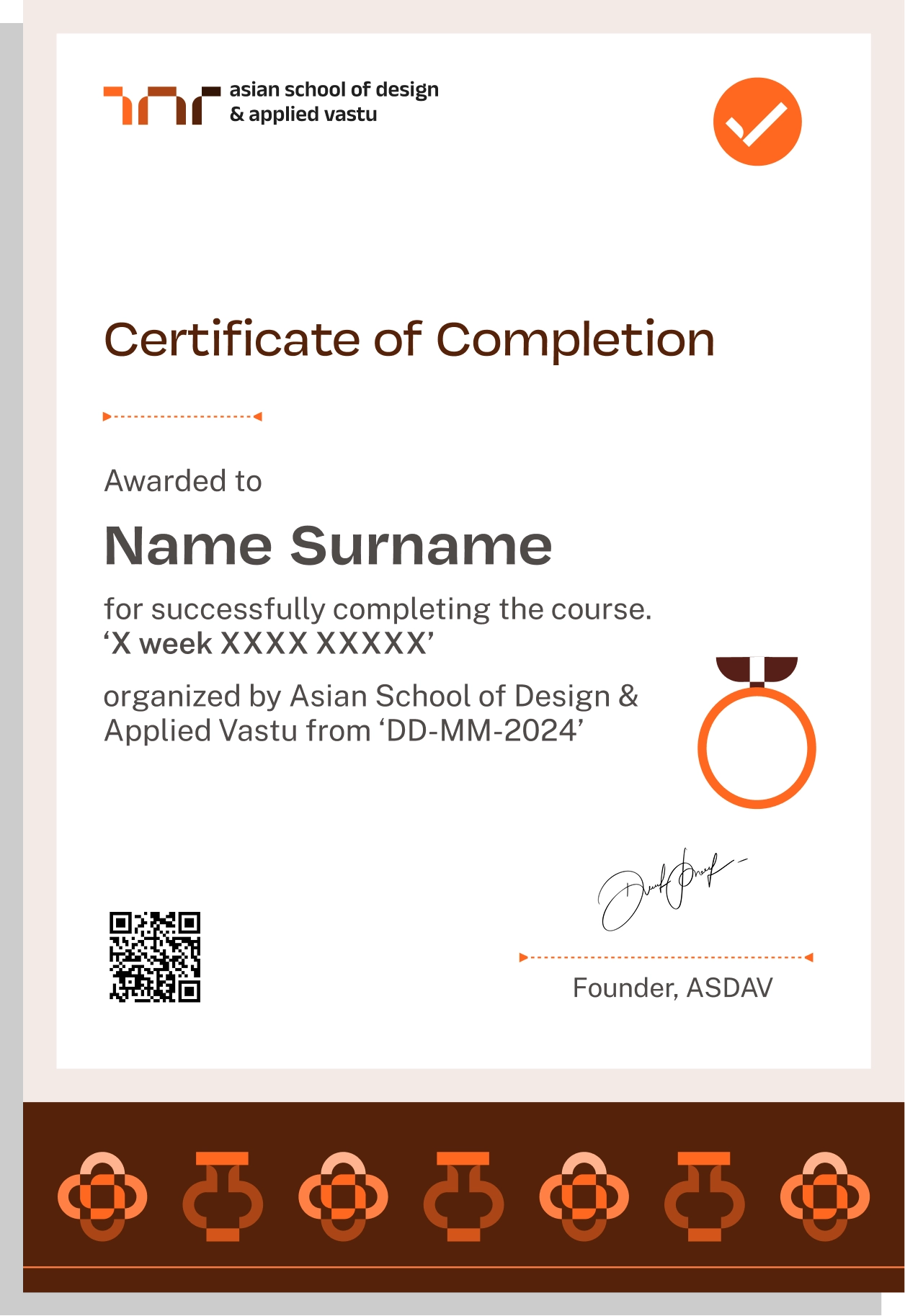
Earn an ASDAV course-completion certificate that showcases your Revit and BIM skills on Dubai projects, from coordinated modelling to construction-ready documentation. The programme also prepares you for the Autodesk Certified Professional in Revit for Architectural Design exam, which you register for and sit with Autodesk separately.
Easily sharable PDF document on LinkedIn, portfolio, resume or CV.


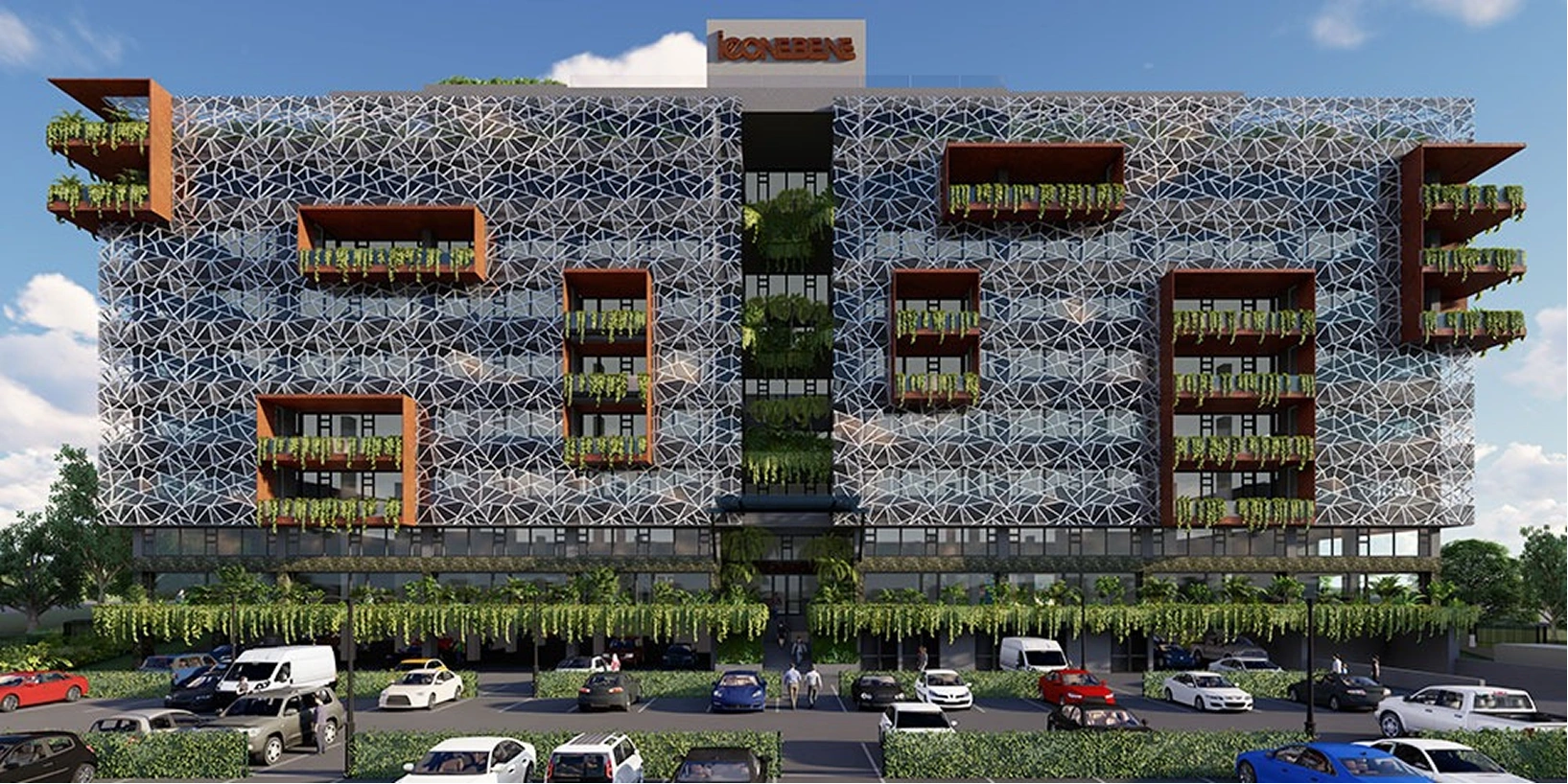
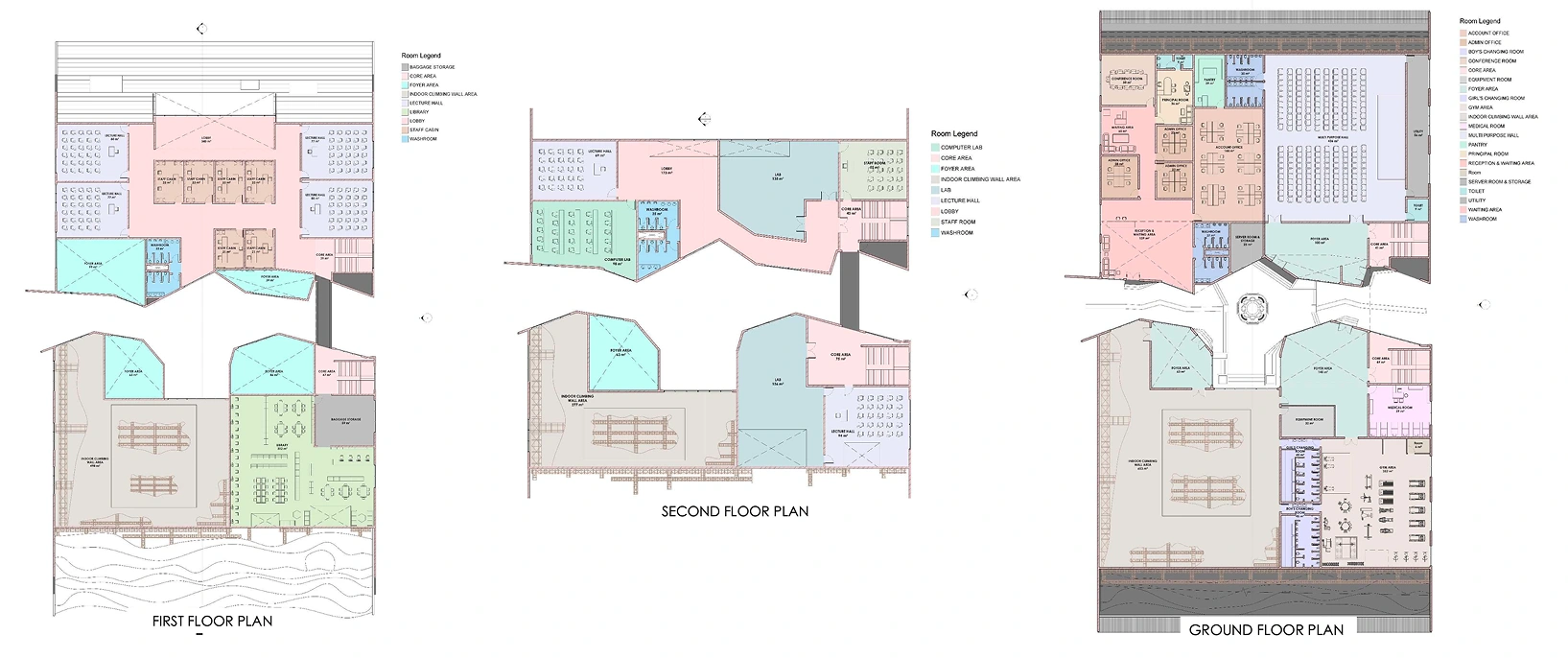
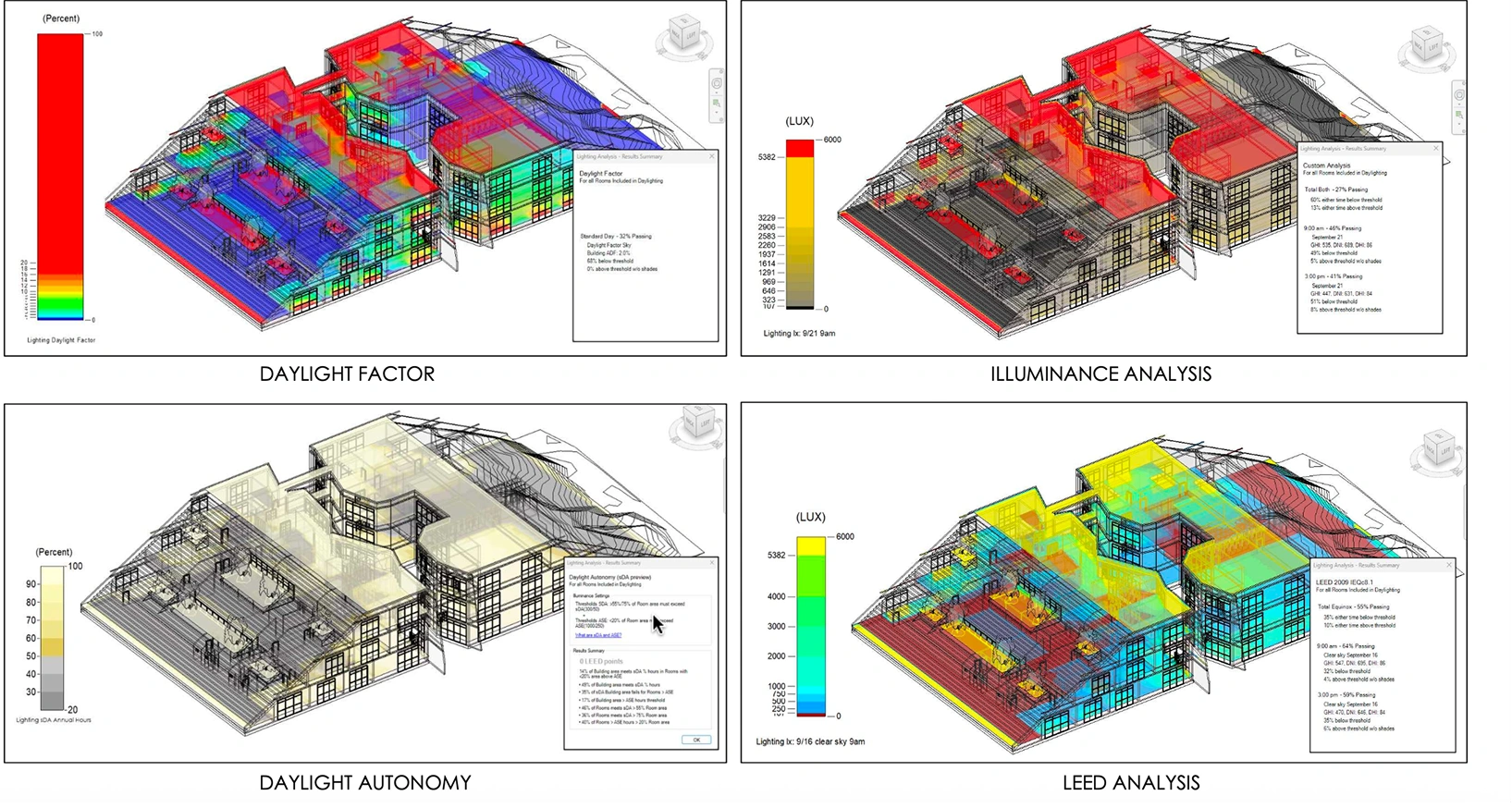
What our students actually build
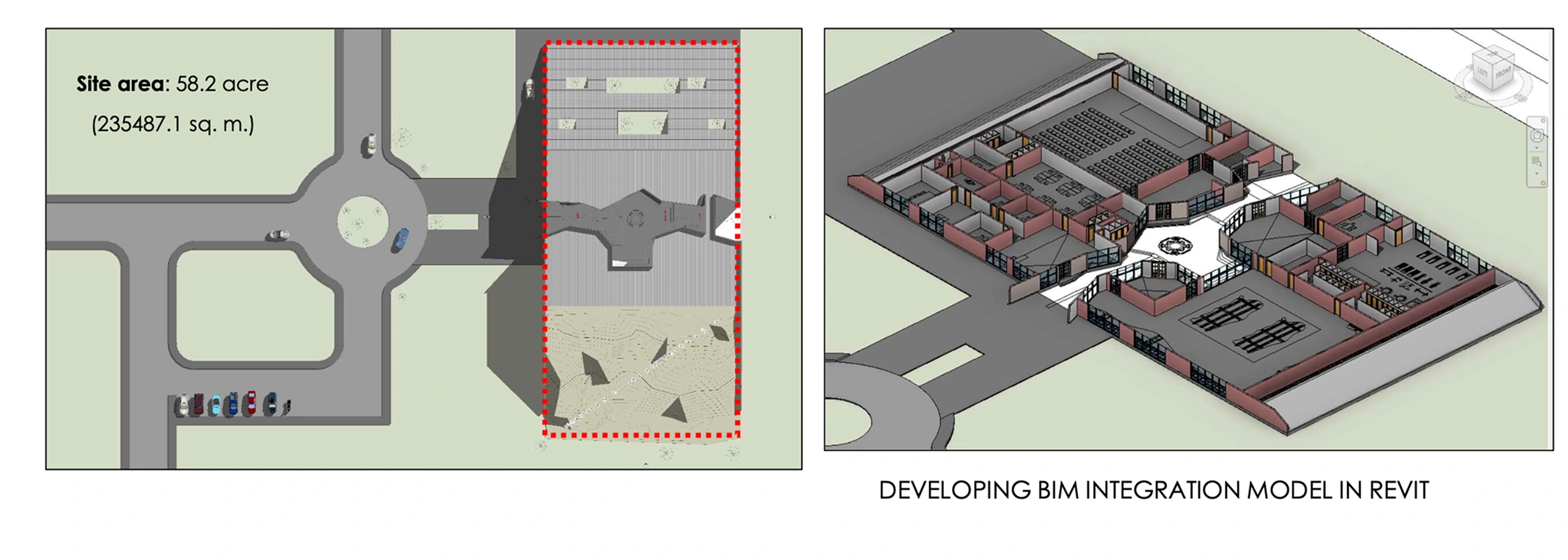
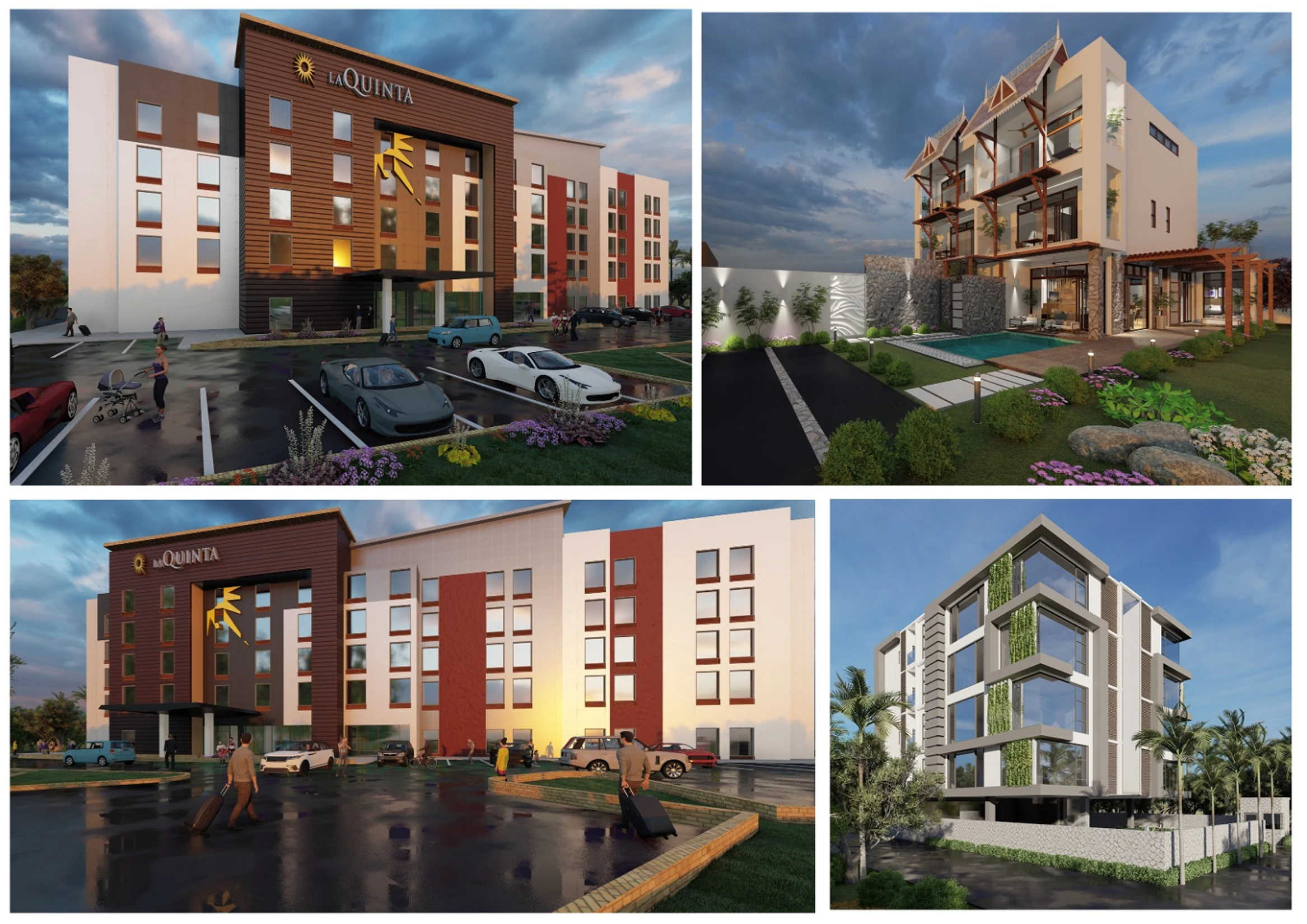
You don't just learn the tools, you leave with proof you can use them. Here's a look at the projects our students created on the course. The kind of work that fills a portfolio and holds up in an interview.
TAUGHT BY INSTRUCTORS FROM











ALUMNI GROWTH STORIES
Where our learners grow, lead & succeed






TESTIMONIALS
Your love inspires us, every minute. Inspirational Words Shared by Our Members
ASDAV's classes have empowered countless students to bridge theoretical knowledge with practical industry application.
Our community of passionate learners, where exploration knows no bounds.
Shavi Gupta


I am a practicing interior designer and when I got to know about their Vastu course, I immediately enrolled myself in it. They taught me practical Vastu and gave me several case studies to practice. I 100% recommend ASDAV’s Vastu course to everyone in the field.
Himanshi Rawat

Even though I studied design, I wasn’t confident with real interior designing tasks. At ASDAV, the trainers explained everything step by step. I built a complete portfolio with detailed floor plan, 3D views, and material palette. That portfolio helped me get my first interview.
Nikkita Bisht


I joined ASDAV’s masterclass because I wanted to design something that was accessible for everyone. The class taught me ramp gradient, turning radius, door clearance, and accessible bathrooms. I applied this to a community center project, and my client appreciated me a lot.
Aekeshwar Saxena

In practice, we are expected to design fast and think clearly, but college never really prepared me for that. ASDAV’s session helped me sharpen my decision making from site analysis to layout logic. It’s one of the few platforms that really understand how real-world architects work.
Jai Singh


Taking classes in ASDAV for Vastu has been a great experience. It wasn’t just about tradition, it’s about how spaces feel, how they function, how they can affect us. Even being a student in London, it has added a lot more depth to my approach.
- hello@asdav.com
- Building A1, Dubai Silicon Oasis, Dubai, United Arab Emirates
NEED SOME HELP?
Here are some frequently asked questions
What does this online Revit course cover?


This 12-week live online course develops the practical Revit and BIM skills used on architectural projects in Dubai and the UAE. You will learn project setup, architectural modelling, family creation, documentation, collaboration and coordination, finishing with ISO 19650 information management and Navisworks coordination practice.

Is this a beginner or advanced Autodesk Revit course?
Both. The course starts with Revit fundamentals and progresses into professional workflows for documenting towers, residential and mixed-use developments. If you already know Revit, the later weeks on collaboration, coordination, schedules and BIM workflows will be where you grow most.
How long is the course and how is it structured?
It runs 12 weeks in live online sessions, with the next batch starting on 9 November 2026. Weeks 1 to 10 build Revit Architecture skills from foundations to advanced modelling and documentation. Weeks 11 and 12 are dedicated to BIM collaboration, coordination and automation, including ISO 19650 workflows, Navisworks clash detection and BIM Execution Plans.
Does the course include practical assignments?
Yes. Every week includes practical assignments based on realistic architectural scenarios inspired by Dubai towers, residential, commercial and hospitality projects. You build models, develop drawing sets and practise coordination, then receive feedback in guided reviews.
Does the training include real-world architectural project scenarios?
Yes. You will work through scenarios modelled on real Dubai developments: tower floor plates, facade systems, large residential projects and mixed-use schemes. The exercises teach you how Revit models become coordinated drawings and submissions that match consultancy practice in the UAE.
How is Revit and BIM actually used on Dubai projects?
On many Dubai projects Revit is not optional. Dubai Municipality requires BIM submissions for buildings above Ground plus 12 floors, developments over 15,000 sqm, hospitals, universities and government projects, with an IFC model submitted alongside the permit application. This course teaches you to build those models with the data and coordination quality submissions need.
Which software will I learn in this Revit certification course?
You will primarily learn Autodesk Revit Architecture, alongside BIM concepts, workflows and coordination tools used in professional practice. The later weeks also introduce Navisworks for clash detection and coordination, which is standard on Dubai construction projects.
Is prior Revit knowledge required?
No prior Revit experience is required. The course begins with fundamentals and gradually builds professional-level proficiency. If you are a working architect or CAD user, you will find the early weeks a fast way to switch from CAD thinking to BIM modelling.
Will I learn family creation and parametric modeling?
Yes. You will learn 2D and 3D family creation, titleblocks, parameters, smart families and rule-based parametric modelling. These skills matter in Dubai consultancies, where reusable families for facades, doors, finishes and equipment keep large project models consistent.
What level of Revit proficiency will I have after completing the course?
You will be able to set up a Revit project, model an architectural scheme, build views, sheets, schedules and documentation, create parametric families, and work in shared models with collaboration workflows. You will also be able to coordinate models and prepare them for documentation and submission.
Does the course include Autodesk certification exam preparation?
Yes. Week 10 includes focused preparation for the Autodesk Certified Professional in Revit for Architectural Design exam, with an objective-led study approach. Note that Autodesk certification itself needs separate registration and a pass in the official Autodesk exam.
Will I learn Navisworks and clash detection?
Yes. The final weeks of the course cover coordination beyond Revit, including Navisworks for clash detection and model coordination. This is the skill UAE consultancies and contractors interview for, because identifying and resolving clashes before construction saves serious cost on large projects.
Do I learn how to prepare models for Dubai Municipality submissions?
Yes. You will learn BIM Execution Plan basics, ISO 19650 information management and Common Data Environment workflows, and practise exporting and checking models in IFC format. These are the practical skills behind Dubai Municipality BIM submissions on mandated projects.
How is BIM in the UAE different from BIM elsewhere?
BIM is mandatory on qualifying Dubai projects under Dubai Municipality rules, with an IFC model required at permit stage for large buildings. That changes how models are built: they must carry clean data, follow agreed naming and exchange formats, and survive model checks. This course teaches BIM the way Dubai projects actually use it, not just as a modelling tool.
Does the training include ISO 19650 workflows for UAE projects?
Yes. Week 11 introduces ISO 19650-based information management through practical project scenarios, including information requirements, BIM Execution Plans and Common Data Environment workflows. These are the same frameworks international consultancies in Dubai use to manage models across disciplines.
How is this course relevant for professional architectural practice?
The course is aligned with real architectural office workflows, so you learn how Revit is actually used in professional practice. You practise coordination, schedules, documentation and drawing consistency, the things that decide whether a model is usable on a live project or just a 3D exercise.
Will I learn how Revit is used within ISO 19650 projects?
Yes. You will connect Revit modelling and worksharing with a wider information management process: organise project information, check models, agree exchange formats and collaborate across disciplines. This is exactly how Revit sits inside ISO 19650 projects in the UAE.
Will this course help me in architectural offices?
Yes. Dubai consultancies hire Revit skills specifically for tower, residential and mixed-use projects, and many roles ask for coordination experience alongside modelling. The capstone projects, coordination practice and documentation work in this course map directly to what UAE offices expect from Revit users.
Is this online Revit course suitable for working professionals in the field of architecture?
Yes. Live sessions run in the evening (UAE time), and the weekly commitment is around 4 hours, which suits working professionals. The structured approach works for both students and professionals, including architects switching from CAD to BIM.
What BIM roles exist in the UAE job market?
Common roles include Revit Modeller, BIM Coordinator, BIM Specialist and Architectural BIM Executive, hired by consultancies, contractors and developers in Dubai, Abu Dhabi and Sharjah. With Dubai’s 2024 record of 226,000 real-estate transactions worth AED 761 billion, development activity and the demand for people who can build and coordinate BIM models remain strong.
Does the course focus only on software?
No. The course focuses on workflows, decision-making, coordination logic and professional application, not just software commands. You learn how BIM is managed on UAE projects: model quality, data, collaboration and submissions, alongside the Revit skills.
Are the classes live, and are recordings available?
Classes are live and interactive. If you miss a session, contact ASDAV through its official WhatsApp channel or by email, and a recording may be made available on a case-by-case basis. Live sessions are where reviews, feedback and coordination discussions happen, so attend whenever you can.
What time are the live sessions for learners in the UAE?
Live sessions are scheduled in the evening (UAE time) so learners across Dubai, Abu Dhabi and Sharjah can attend after work. Session times for your batch are shared before the course begins, along with the full 12-week schedule.
Will I receive feedback on my work?
Yes. You receive structured feedback during reviews and live sessions, including guidance on model quality, documentation and coordination exercises. Feedback follows consultancy standards, so you learn what a professional reviewer would flag.
Is this a cohort-based course for learning Revit?
Yes. You learn with a cohort, which encourages peer discussion and collaborative learning. Coordination weeks in particular benefit from cohort working, because clash resolution and model coordination are team processes on real projects.
Will I get one-on-one guidance?
Mentorship and review-based guidance are built into the course structure, including guided career sessions. While the course is cohort-based, your assignments and capstone work get individual review.
What is the weekly time commitment for this course?
The course requires approximately 4 hours per week, including live sessions, guided practice and independent assignments. Plan a little extra time during coordination and capstone weeks, when you build full drawing sets and coordinated models.
Who should enroll in this online Revit & BIM certification course?
This course is for architecture students, recent graduates, architects, interior designers and CAD professionals who want practical Revit and BIM skills for the UAE market. It suits both complete beginners and working professionals upgrading from CAD to BIM.
What is the course fee, and are payment options available?
The course fee is AED 2,400, reduced from the regular fee of AED 4,000 for this batch. If you want to confirm payment options or plans before enrolling, contact ASDAV through its official WhatsApp channel or by email.
Does this course help with UAE job applications?
Yes. The course includes 5+ guided career sessions covering your CV, portfolio and interview preparation for the UAE job market. The coordination and BIM workflow skills, backed by ASDAV’s course-completion certificate, strengthen applications for Revit and BIM roles in Dubai, Abu Dhabi and Sharjah.
Does this course guarantee placement?
No course can guarantee a job, but we provide 100% placement guidance: support with your CV, portfolio and interview preparation for Revit and BIM-related opportunities, including career sessions focused on the UAE job market.
Do I need a high-end system or paid software to attend this course?
A standard laptop capable of running Revit is sufficient, and Revit is a Windows application, so you will need a Windows machine or a Windows environment. Students can use an educational or trial version of the software for the duration of the course.
Is this course useful if I already work in a Dubai consultancy?
Yes. If you already model in Revit, the BIM workflows, ISO 19650 information management, Navisworks coordination and submission practice are usually the gap between a software user and a BIM coordinator. These are the weeks professionals in Dubai consultancies find most valuable.
Can this course help me move from AutoCAD to Revit?
Yes. Many Dubai offices still have CAD drafters who are expected to switch to Revit as projects go BIM. The course starts from Revit fundamentals and teaches BIM modelling as a replacement for CAD drafting, so AutoCAD users can make the transition without prior Revit experience.
Will I get a certificate after completing the course?
Yes. On meeting the programme requirements, you earn an ASDAV course-completion certificate that showcases your Revit and BIM skills on Dubai projects. It is shared as a PDF document you can add to LinkedIn, your portfolio, resume or CV.
